
Master Vibe Coding
Tips for a Smoother Vibe Coding Workflow

When I started with AI code generation, it was a frustrating experience. Code was generated super fast, but when you tried to run it, bugs appeared everywhere—import errors, syntax issues, you name it. I spent more time debugging and fixing hallucinated code than actually building. At the end of the day, there was no real productivity gain.
I realized that context and up-to-date information were the missing links. After working on this problem, I want to share a simple yet powerful approach that transformed my AI coding workflow. In this example, I'll walk through building an MCP server (which I covered in my MCP Course).
The 3-Phase Approach
Phase 1: Context Gathering (The Foundation)
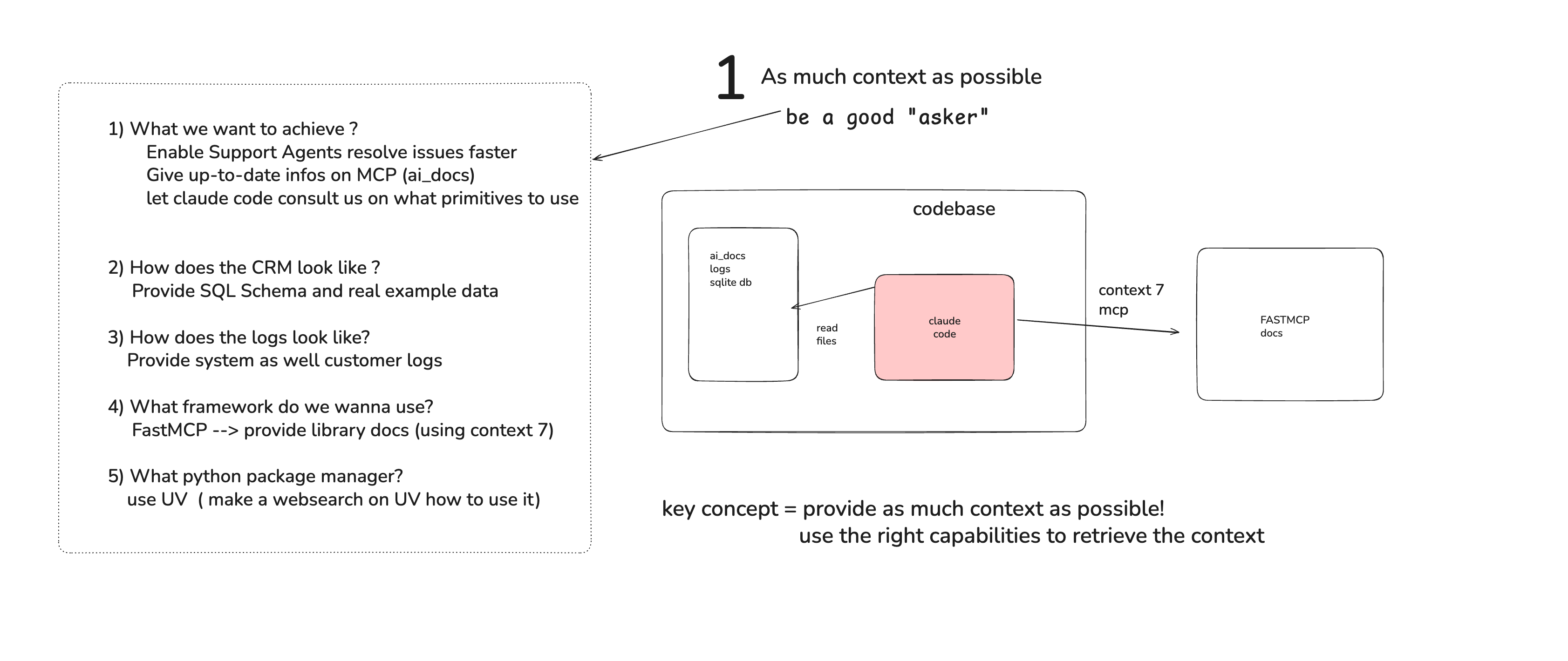
This phase is the most important—if you do well here, the following two phases become much easier. The key insight is to be crystal clear about your goal and gather comprehensive context information.
How? Be a great questioner. When building my MCP server, I asked:
What exactly do I want to achieve?
How does the data look like?
What framework/library do I want to use?
What are the specific requirements and constraints?
Be really specific with your questions.
Use the right tools for context gathering:
For MCP documentation: I copied it as markdown so Claude Code could read it with the
read_filescapabilityFor FastMCP: I used the context7 MCP server to get relevant information
For UV package manager: I used the web search capability
The goal is to load Claude with all the relevant context before you start coding.
Phase 2: Planning Mode

Once you've loaded up the context, switch into planning mode. In your terminal, type claude to activate Claude Code, then press Shift+Tab twice. You'll see Claude Code switch into planning mode (indicated by green text saying "planning mode").
Now build your prompt with all the context you gathered. Pro tip: I used a service called PromptCowboy to further enhance my initial prompt.
Let Claude Code suggest a plan, but here's the crucial part: don't accept the first plan. Iterate on it. Specify more details, ask clarifying questions, refine requirements until everything is crystal clear. Only when you're confident with the plan should you move to execution mode by accepting it.
Phase 3: Execute and Monito
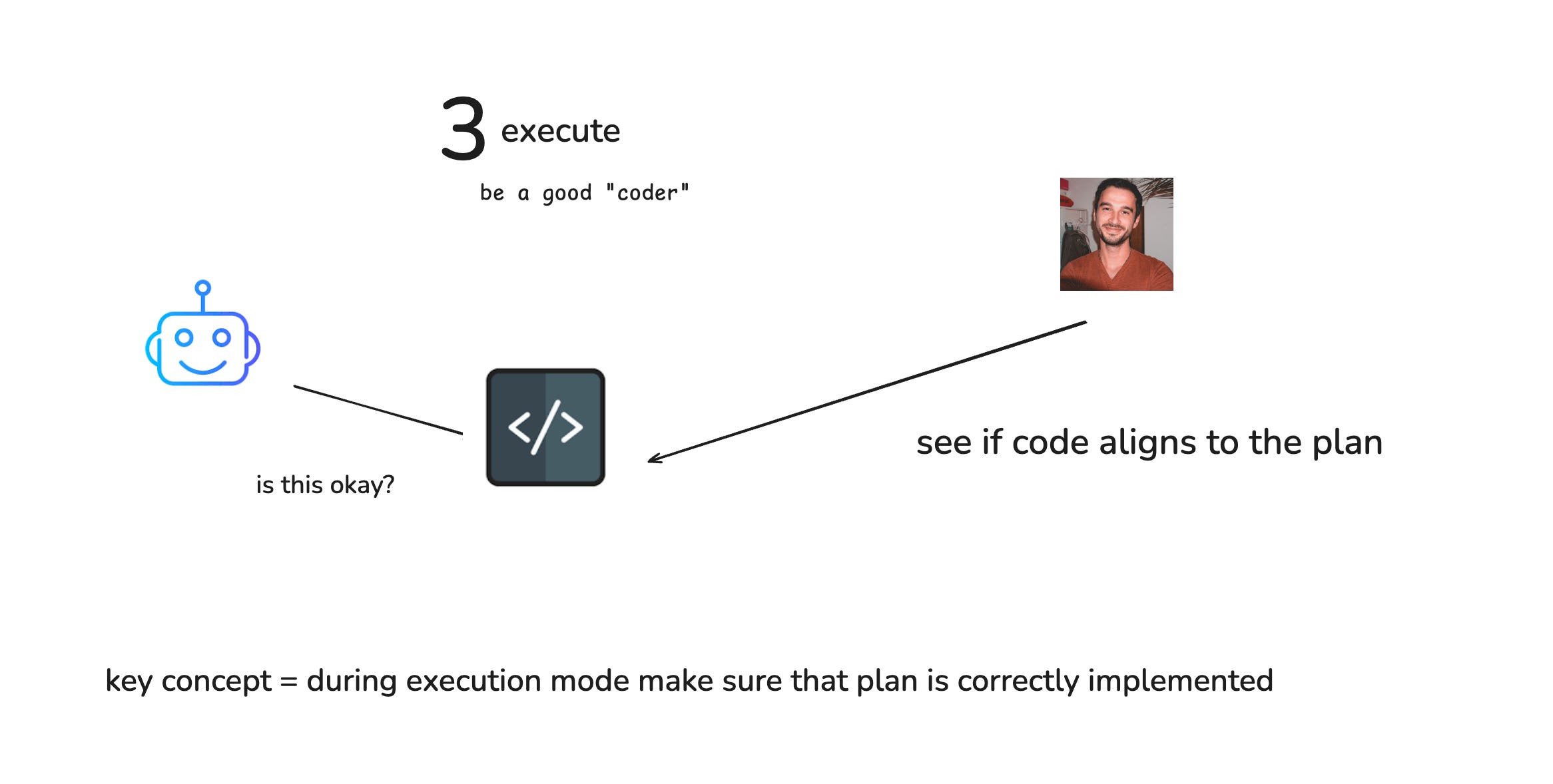
Now comes the execution phase. If you've done a good job in phases 1 and 2, this is where it pays off. Watch Claude Code work and confirm its actions as needed.
The key concept here: you are responsible for ensuring Claude Code aligns with the plan. If you don't understand something, interrupt it and ask for an explanation. Stay engaged throughout the process.
The Results
This simple approach has dramatically improved my coding quality and saved me significant time and tokens. This isn't revolutionary—I've collected this knowledge from various sources and compressed it into a practical workflow.
How do you tackle AI-assisted coding? Share your approach in the comments below.